Claude Code for technical writers: beyond the chat interface

I gave a talk at Write The Docs London a few weeks back, to a room full of technical writers. The pitch: most people's relationship with AI stops at the chat box, and for docs work that's leaving a lot on the table.
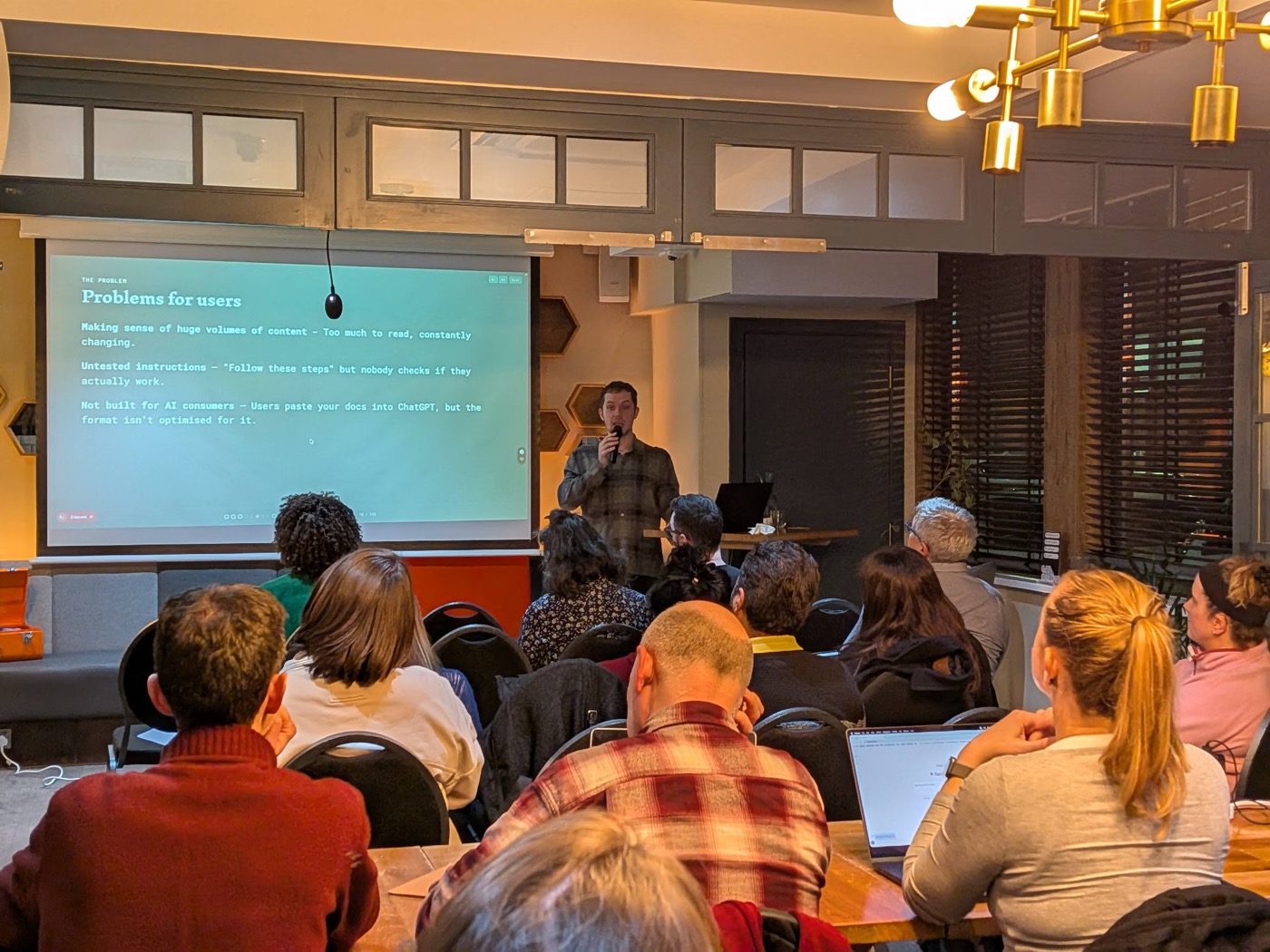
The chat box is fine for a quick rewrite. But it's a single conversation with no memory, no access to your files, and no way to enforce how it behaves. Docs teams need the opposite: consistency across hundreds of pages, rules that always hold, and tooling that fits into a pipeline rather than a browser tab.
Why Claude, specifically
I'm biased, but the case isn't just brand loyalty.
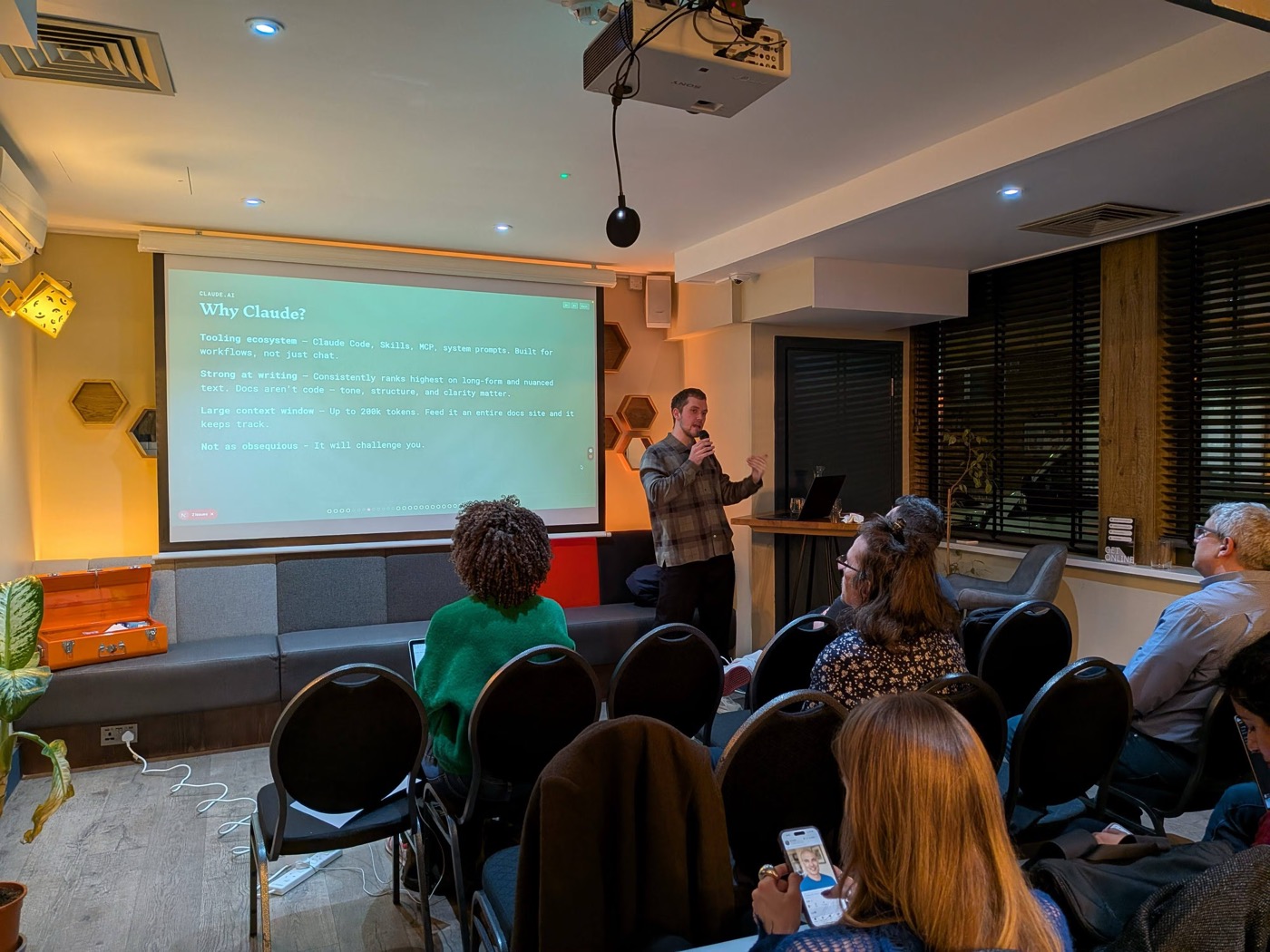
The tooling around it is built for workflows, not just chat. Claude Code runs in your terminal, reads and edits your actual files, and can be scripted. Skills, MCP servers, and system prompts let you shape what it does before you type a word.
It's strong at the kind of writing docs need. Code is right or wrong; prose has tone, structure, and clarity, and that's harder to get right. On long-form and nuanced text it holds up better than most.
The context window is large enough to be useful. You can feed it an entire docs site and it keeps track of what's where, instead of forgetting the start of the conversation by the end.
And it pushes back. It'll tell you when an instruction is ambiguous or a section contradicts itself, rather than cheerfully agreeing with everything. For editing, that's the whole point.
The problems this actually solves
Three things kept coming up in the room, and they're all things the chat box can't fix on its own.
There's too much content to read, and it never stops changing. Nobody can hold a whole docs site in their head. An agent that can read all of it at once can spot the drift, the duplicates, and the page that still references a feature you killed last year.
Instructions go untested. "Follow these steps" is a promise, and most of the time nobody checks whether the steps still work. You can have an agent actually walk through them and report back where they break.
And the docs aren't built for their new biggest reader. Your users paste your pages into an AI and ask it questions. The format you wrote for humans skimming a page isn't the format that gets a good answer out of a model. That's a design problem now, not a nice-to-have.
What this means for docs teams
This was the part people wanted concrete answers on: once you go past the chat box, which mechanism do you reach for?
A few rules of thumb I've landed on:
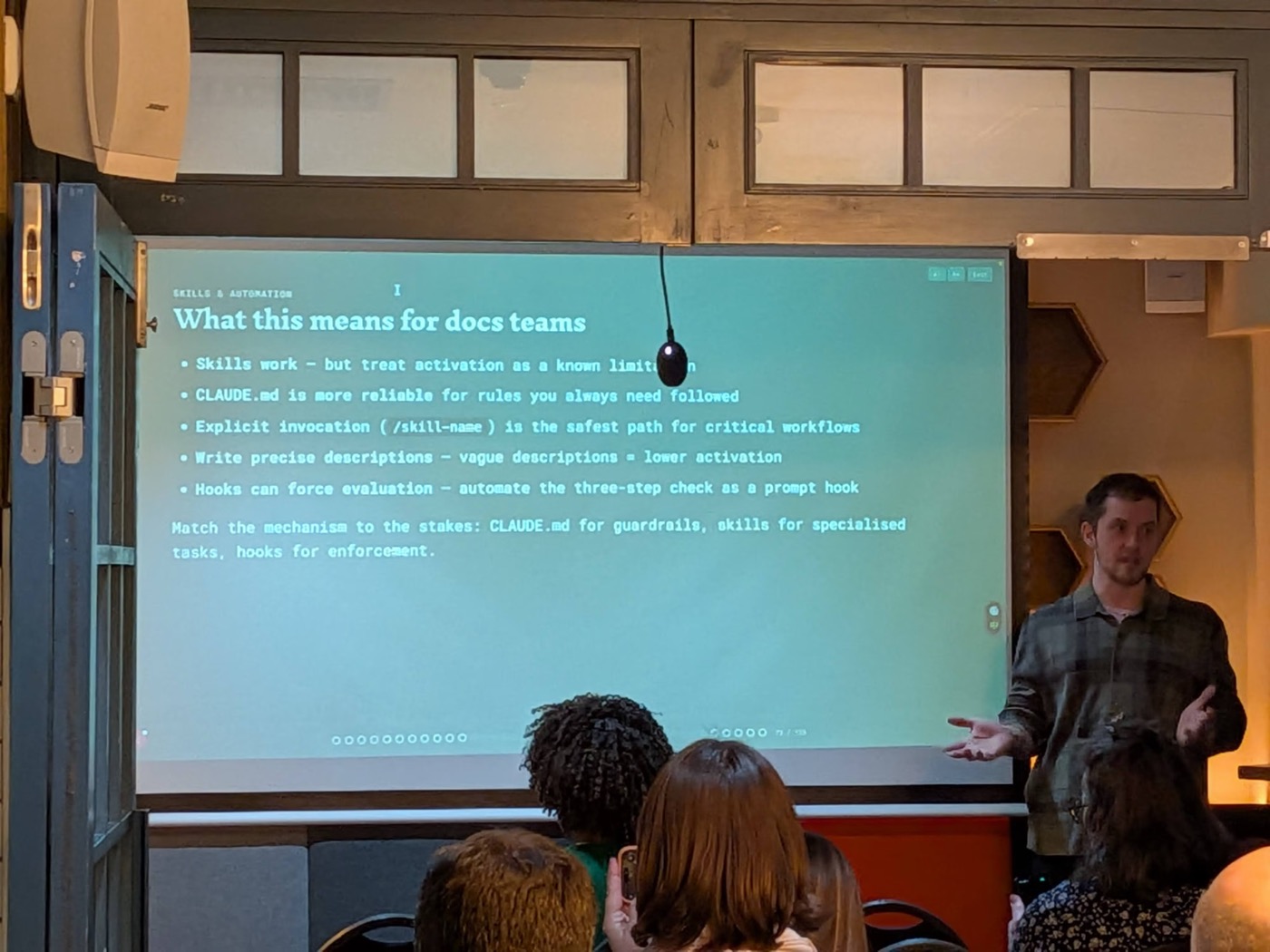
- Skills work, but treat activation as a known limitation. The model decides when a skill is relevant, and it doesn't always get it right. Useful, not guaranteed.
CLAUDE.mdis more reliable for rules you always want followed. It's loaded every time, so it's the right home for your house style and your hard constraints.- Explicit invocation is the safest path for critical workflows. If a step absolutely must run, call it by name (
/skill-name) rather than hoping the model picks it up. - Write precise descriptions. Vague descriptions mean lower activation. The clearer you are about when something applies, the more often it fires at the right moment.
- Hooks can force evaluation. If you need a check to run every single time, a hook will enforce it where a polite instruction won't.
The through-line: match the mechanism to the stakes.
CLAUDE.md for guardrails you can't afford to skip, skills for specialised tasks, and hooks for the things that have to happen no matter what.
Thanks to the Write The Docs London crew for having me. The community of people who care this much about clear writing is exactly who should be shaping how these tools get used.